Most businesses do not hire an IT provider because everything is working perfectly.
They usually start looking for help after the same problems keep returning: computers slow down, employees lose access to accounts, backups generate warnings, security settings become inconsistent, or nobody is quite sure who manages a critical system.
Traditional IT support addresses these problems after they appear. Something breaks, someone calls for help, and a technician fixes the immediate issue.
Managed IT support works differently. It combines day-to-day technical assistance with ongoing monitoring, maintenance, cybersecurity, documentation, backup oversight, and planning.
The goal is not simply to repair technology. It is to make the business less dependent on emergencies.
What Is Managed IT Support?
Managed IT support is an ongoing service in which a Managed Services Provider (MSP) helps operate and maintain a company’s technology environment.
Depending on the agreement, this may include computers, servers, Microsoft 365, cybersecurity tools, backups, networks, user accounts, software, and vendor relationships.
Instead of contacting a different technician each time something goes wrong, the business works with a team that already understands its environment.
That difference matters.
When the provider knows what systems are installed, who uses them, how they are configured, and which services are most important, support becomes faster and more consistent. The provider can also identify problems before employees notice them.
Managed IT Support Is More Than a Help Desk
A help desk is an important part of business IT support, but it is only one part.
Employees still need assistance when they cannot access email, connect to a printer, open an application, or sign in to a business account. Those issues should be resolved quickly so people can return to work.
However, a strong managed IT service also asks why the problem happened.
Was the account configured incorrectly? Is the device missing an update? Is the network unstable? Has the same issue affected other employees? Could a policy or configuration change prevent it from happening again?
Fixing the immediate problem restores productivity.
Finding and correcting the cause prevents repeated interruptions.
Proactive Monitoring Helps Find Problems Earlier
Many technology failures provide warning signs before they become emergencies.
A hard drive begins reporting errors. A server starts running low on storage. A backup job fails. Security software stops updating. A computer has not installed important patches. A device repeatedly loses connection to the network.
Without monitoring, these signals may remain unnoticed until someone can no longer work.
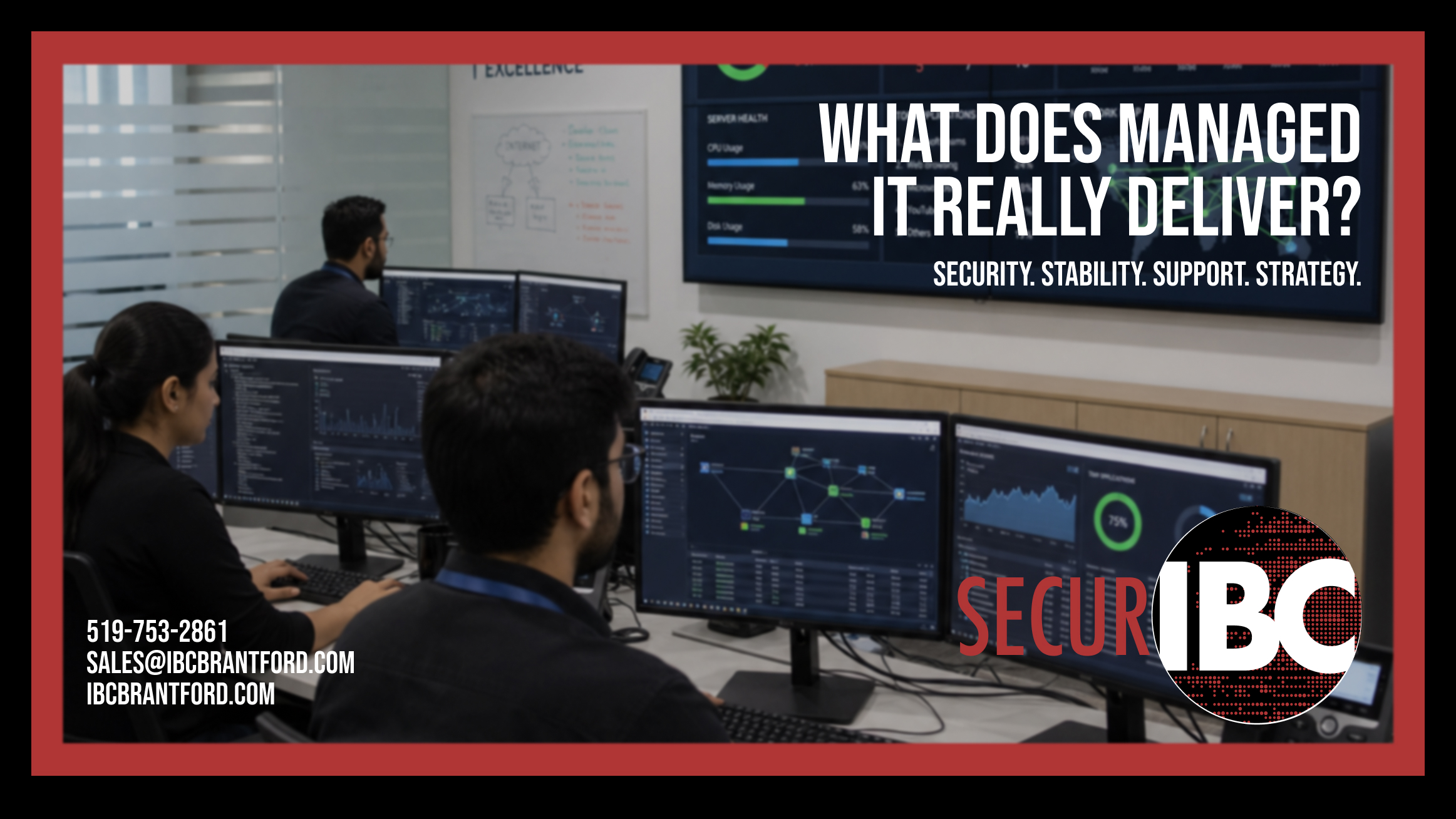
Proactive IT support uses monitoring and management tools to identify issues earlier. Alerts can show the provider that something needs attention before the failure becomes visible to the business.
Monitoring does not guarantee that technology will never fail. Hardware can still break, software can still malfunction, and internet services can still experience outages.
The value is that problems are more likely to be detected, documented, and addressed before they cause a larger disruption.
Cybersecurity Becomes an Ongoing Process
Cybersecurity is not a product that can be installed once and forgotten.
Businesses change constantly. Employees join and leave. New devices are purchased. Applications are added. Passwords are reset. People work remotely. Vendors receive temporary access that sometimes remains active much longer than intended.
Every change can introduce risk.
A managed IT provider helps maintain security across the environment rather than treating each tool separately. This can include endpoint protection, email security, multi-factor authentication, patch management, account reviews, device controls, and security awareness.
The provider should also help answer practical questions:
Who has administrator access? Are former employees still active? Are business accounts using corporate contact information? Are employees storing company passwords in personal browsers? Are remote-access tools approved and secured?
For organizations subject to privacy, contractual, insurance, or industry requirements, an MSP can help implement and maintain the necessary technical safeguards. Legal compliance still remains the responsibility of the organization and its qualified advisors, but the technology should support those obligations rather than work against them.
Backup Management Is About Recovery, Not Just Storage
Many businesses say they have backups.
Fewer can answer when those backups were last checked, what information they include, or how quickly the business could recover after a failure.
A backup can exist and still be unusable.
The job may have stopped running. A critical folder may have been excluded. Microsoft 365 data may not be covered by the same system as local servers. The backup may be stored in a location that could also be affected by ransomware, theft, or equipment failure.
Managed backup oversight should confirm more than whether a job completed. It should establish:
- What data and systems are protected
- Where backup copies are stored
- Who receives and investigates failure alerts
- How long information is retained
- Whether data can actually be restored
A recovery plan should also identify which systems must be restored first. Restoring an old document and rebuilding an entire server are very different situations and require different preparation.
Microsoft 365 Still Needs Management
Microsoft 365 provides powerful tools, but subscribing to the platform does not automatically configure or manage it for the business.
User accounts must be created and removed correctly. Administrator access should be limited. Multi-factor authentication must be enforced. Email security settings need review. Shared mailboxes, forwarding rules, mobile devices, licences, and data access all require ongoing attention.
Employee departures are a common example.
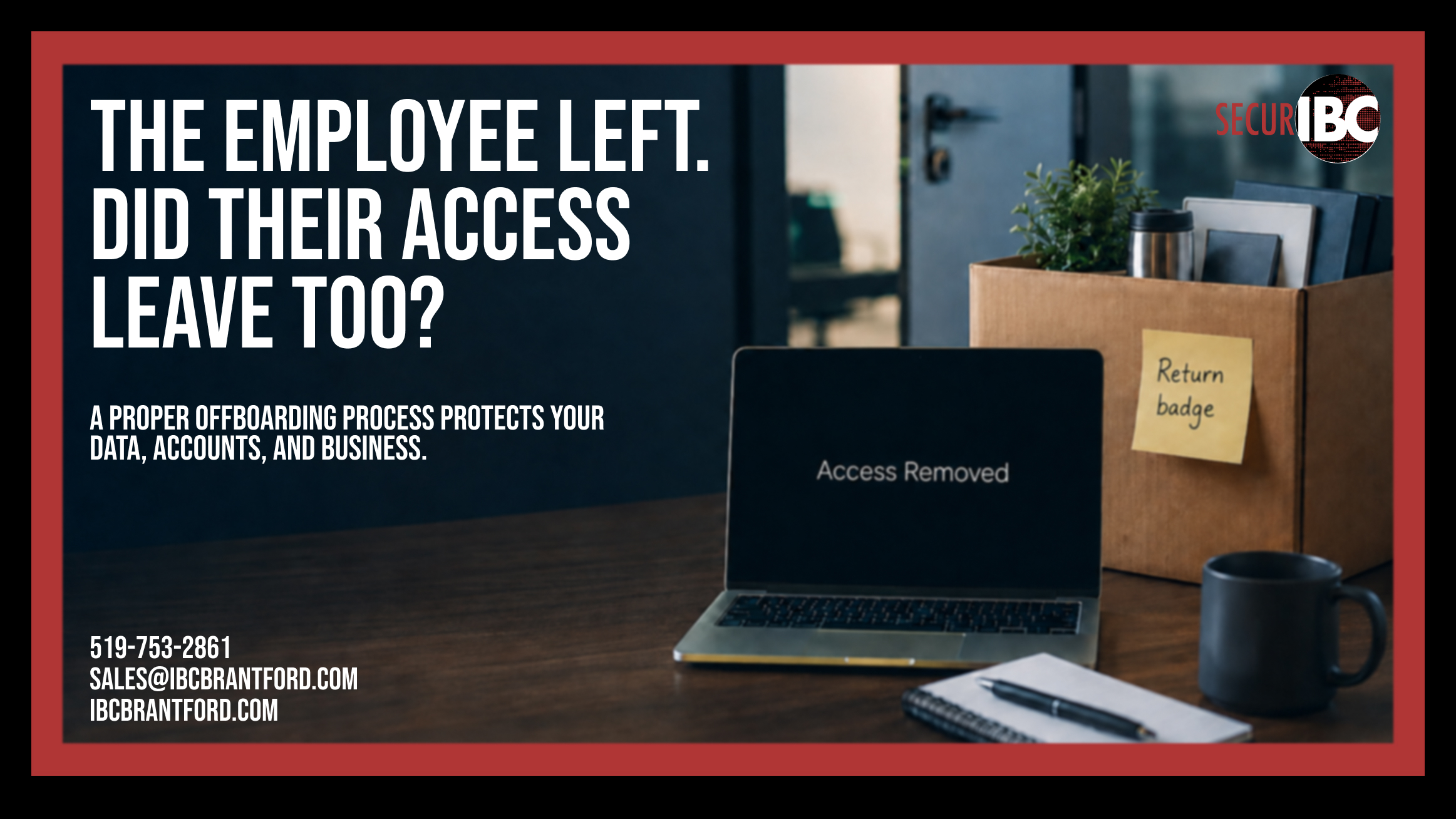
Disabling an email account may not be enough. The business may need to preserve the employee’s mailbox, transfer OneDrive files, remove mobile access, review forwarding, recover company equipment, revoke sessions, and decide who should receive future messages.
Without a documented process, important data can be lost or access can remain active.
Managed IT services provide structure around these changes so that Microsoft 365 supports the business consistently instead of becoming a collection of unmanaged accounts.
Documentation Gives the Business Control
Good IT support should not depend entirely on what one person remembers.
The business should have reliable documentation covering its critical accounts, equipment, services, vendors, licences, configurations, and recovery processes.
This is especially important when an employee leaves, a vendor relationship ends, or a new IT provider takes over.
Documentation might include:
- Domain registration and DNS ownership
- Microsoft 365 administrator information
- Internet and phone service details
- Network equipment and configurations
- Backup systems and recovery procedures
- Software licences and renewal dates
- Device assignments and warranties
- Approved vendors and support contacts
Sensitive information must be stored securely with controlled access. The goal is not to place every password into an unsecured spreadsheet. The goal is to ensure that the company—not a former employee or outside vendor—retains control over its technology.
Managed IT Support Helps with Technology Planning
Reactive IT often leads to rushed decisions.
A computer fails, so another one is purchased immediately. A server reaches end of life, but replacement was never budgeted. Software renews automatically even though nobody uses it. A new location opens before anyone plans the network, phones, security, or internet connection.
Managed IT support should help the business plan ahead.
This includes reviewing equipment age, warranty status, storage capacity, security requirements, software licensing, and upcoming business changes. It can also involve developing a technology roadmap that connects future IT work to actual business priorities.
For example, a company planning to hire twenty employees may need more than new laptops. It may also need licensing, account provisioning, stronger internet capacity, additional security controls, updated documentation, and a repeatable onboarding process.
Planning these requirements in advance reduces last-minute spending and operational delays.
More Predictable Costs—But Not Unlimited Costs
Managed IT services are commonly provided through a recurring monthly agreement. This can make support, monitoring, and ongoing management easier to budget than relying entirely on emergency service calls.
However, predictable IT costs do not mean every possible technology expense is included.
New computers, major projects, software licences, cabling, equipment replacement, and work outside the service agreement may still be billed separately.
A good provider should clearly explain:
- Which services are included
- Which devices and users are covered
- How projects and hardware are billed
- What support hours apply
- What happens during an emergency
- Which responsibilities remain with the client
Clear expectations are more valuable than an agreement that sounds unlimited but is difficult to understand.
Managed IT, Internal IT, or Both?
Managed services do not always replace an internal IT employee.
Some businesses use an MSP as their complete IT department. Others use managed services to support an internal technician or IT manager.
A small internal team may understand the company’s daily operations extremely well but need additional support with cybersecurity, Microsoft 365, backups, infrastructure projects, or after-hours monitoring.
In that case, the MSP provides additional tools, specialized knowledge, documentation, and coverage while the internal team remains involved in day-to-day decisions.
The right model depends on the organization’s size, systems, industry, and internal capabilities.
The important question is not whether IT is internal or outsourced.
The question is whether the business has enough coverage, knowledge, security, and continuity to operate reliably.
What Managed IT Support Does Not Mean
It is important to have realistic expectations.
Managed IT support does not mean:
- Technology will never fail
- Every security incident can be prevented
- Old equipment will perform like new equipment
- Every project and hardware purchase is included
- Compliance is automatically guaranteed
- Every issue can be resolved instantly
A responsible MSP should not promise that nothing will ever go wrong.
The provider’s role is to reduce preventable risk, improve visibility, respond consistently, maintain the environment, and help the business recover when problems occur.
Signs Your Business May Need Managed IT Support
A business may be ready for a managed approach when technology has become too important to handle informally.
Common signs include recurring IT problems, uncertainty about backups, inconsistent cybersecurity, poor account documentation, outdated equipment, unclear administrator access, or employees relying on personal accounts and unapproved tools.
Another warning sign is when the business only discusses IT during an emergency.
Technology should be reviewed before a major failure, employee departure, cyber incident, office move, or insurance renewal forces the issue.
How to Choose a Managed Services Provider
The right provider should take time to understand the business before recommending services.
Ask how the provider handles monitoring, cybersecurity, backups, documentation, account ownership, employee onboarding and offboarding, and technology planning. Confirm which services are included and how additional work is approved.
It is also important to understand how the provider protects its own systems and access. An MSP may hold administrative privileges across the client environment, so its internal security practices matter.
Look for a provider that communicates clearly, documents its work, explains risk in business terms, and is willing to discuss what it does not provide.
The relationship should feel like an accountable partnership—not a collection of unexplained tools and monthly charges.
What Businesses Actually Gain
The greatest value of managed IT support is not that someone is available to fix a printer.
It is that the business gains a structured way to manage technology.
Accounts have clear ownership. Devices are monitored. Security settings are maintained. Backups are reviewed. Important information is documented. Equipment replacements can be planned. Employees have a consistent place to request help.
When these areas are managed together, IT becomes less dependent on emergencies and individual memory.
That gives business owners something more valuable than technical support: better control over the systems their organization depends on.
Managed IT Support for Businesses Across Southern Ontario
IBC provides Managed IT Services for businesses in Brantford and across Southern Ontario.
Our approach combines day-to-day technical support with proactive monitoring, cybersecurity, Microsoft 365 management, backup oversight, documentation, and technology planning.
The goal is simple: help your business operate with fewer disruptions, better protection, and a clearer understanding of its IT environment.
Learn more about our Managed IT Services:
Have questions about your current IT setup?
IBC Computers Brantford
Phone: 519-753-2861
Email: sales@ibcbrantford.com
Website: https://ibcbrantford.com/