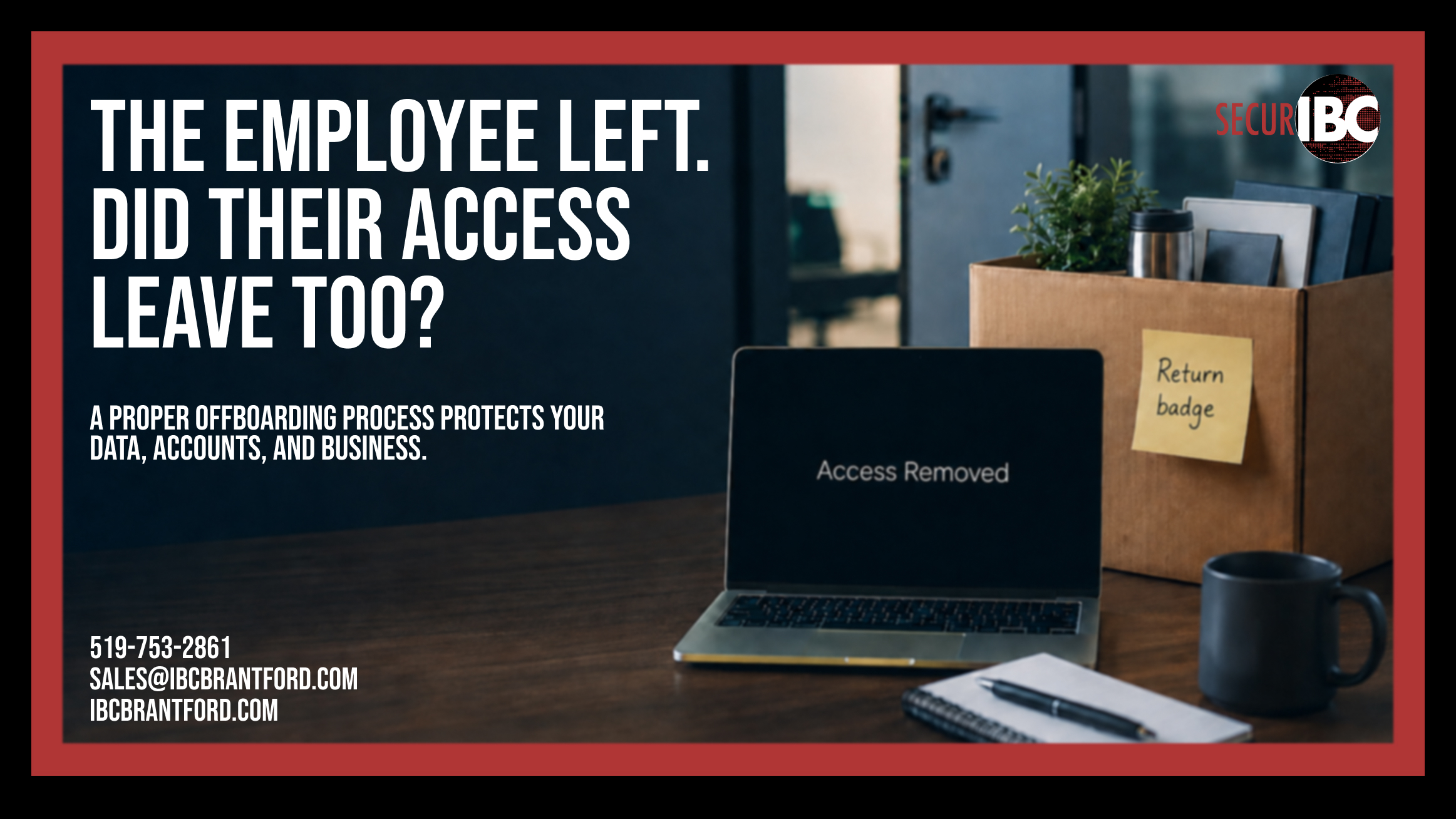
When an employee leaves a company, most businesses remember the obvious things.
Collect the laptop. Disable the email account. Remove the employee from payroll.
But employee access rarely ends with email.
A former employee may still have access to cloud files, VPN connections, shared passwords, business applications, mobile devices, administrative portals, social media accounts, or third-party services.
That is why every business should have a documented employee offboarding checklist.
Proper IT offboarding protects company data, reduces security risks, preserves important business information, and ensures that access ends when employment does.
What Is IT Offboarding?
IT offboarding is the process of removing an employee’s access to company technology when they leave the organization.
It includes much more than disabling a Microsoft 365 account.
Depending on the employee’s role, an offboarding process may need to address:
- Microsoft 365 and email
- OneDrive and SharePoint
- Teams
- Multi-factor authentication
- Active sign-in sessions
- Company computers and mobile devices
- VPN and remote-access tools
- Password managers
- CRM systems
- Accounting software
- Cloud applications
- Shared business accounts
- Website administration
- Social media access
- Vendor portals
- Network and administrative accounts
The exact checklist will be different for every organization, but the goal is the same: remove access without losing business data.
Disabling Email Is Only the Beginning
A common mistake is treating a disabled email account as completed offboarding.
Microsoft 365 may be one of the employee’s most important accounts, but it is rarely the only one.
The employee may still be signed into applications using saved credentials or active sessions. They may have access to files stored in third-party services. Their mobile phone may still contain company email or data.
They may also know passwords to shared accounts that are not connected to their individual Microsoft 365 identity.
A proper employee termination IT checklist should therefore review the employee’s entire technology footprint.
Start with Microsoft 365
For many small and mid-sized businesses, Microsoft 365 is the centre of daily operations.
When an employee leaves, IT should review more than simply whether their account has been disabled.
Depending on the situation, the process may include:
- Blocking the user from signing in
- Revoking active sessions
- Reviewing registered MFA methods
- Removing or reviewing registered devices
- Preserving mailbox data
- Transferring OneDrive files
- Reviewing email forwarding rules
- Reviewing mailbox delegates
- Converting a mailbox to a shared mailbox when appropriate
- Assigning another employee access to required business information
- Removing licences when they are no longer required
The goal is to remove access while preserving information the company still needs.
Revoke Active Sessions and Review MFA
Changing a password or disabling an account does not always mean every existing session disappears immediately.
An employee may have been signed into Outlook, Teams, a browser, or a mobile application.
IT should review and revoke active sessions where appropriate.
Multi-factor authentication should also be checked.
Old phone numbers, authenticator registrations, hardware tokens, or other authentication methods connected to the former employee should no longer remain attached to company accounts.
This is especially important for employees with administrative privileges.
Protect Company Files
Removing access is only half of offboarding.
The other half is preserving information.
An employee may have stored important files in:
- OneDrive
- SharePoint
- Local computer folders
- Teams
- Dropbox
- Google Drive
- CRM platforms
- Industry-specific applications
Before an account is deleted, someone inside the organization should become responsible for the employee’s business data.
Otherwise, months later the company may discover that an important contract, customer record, spreadsheet, or project file disappeared with the account.
A good IT offboarding process answers two questions:
Can the former employee still access company data?
and
Can the company still access the former employee’s business data?
Both matter.
Review VPN and Remote Access
Remote access is another area that can easily be missed.
An employee may have had access through:
- VPN
- Remote Desktop
- Remote support software
- Cloud management portals
- Remote access applications
- Company network credentials
These accounts should be reviewed and disabled as part of offboarding.
Businesses should also know which remote-access tools are approved in their environment. Personal or unauthorized remote-access software can make employee departures more difficult to manage.
Change Shared Passwords When Necessary
Shared accounts create additional problems during offboarding.
If several employees know the same password, disabling one employee’s personal account does not remove their knowledge of the shared credentials.
Examples may include:
- Vendor portals
- Social media accounts
- Website administration
- Shared software accounts
- Wi-Fi credentials
- Equipment management portals
Where individual user accounts are available, businesses should generally use them rather than sharing credentials.
When shared credentials cannot be avoided, passwords and MFA methods should be reviewed whenever someone with access leaves.
Check Business Applications
Employees often use more applications than management realizes.
Beyond Microsoft 365, they may have access to:
- CRM systems
- Accounting software
- Payroll platforms
- Cloud storage
- Project management tools
- Communication platforms
- Marketing software
- AI tools
- Industry-specific applications
- Vendor and supplier portals
A documented software inventory makes this much easier.
Without one, offboarding can become a guessing exercise.
IT should not have to ask:
“Does anyone remember which apps this employee used?”
The answer should already be documented.
Former Administrators Require Additional Review
Employees with administrative access require a more detailed offboarding process.
A former administrator may have controlled systems such as:
- Microsoft 365
- Domain registration
- DNS
- Website hosting
- Firewall
- Network equipment
- Backup systems
- Password managers
- Security platforms
- Remote monitoring tools
- Vendor accounts
Before removing an administrator, the business should confirm that another authorized person has appropriate access.
Otherwise, attempting to improve security can accidentally lock the company out of its own systems.
Administrative accounts should belong to the organization—not remain dependent on a former employee, freelancer, or outside vendor.
Don’t Forget Physical Devices
Employee offboarding also includes company equipment.
Businesses should maintain an inventory of devices assigned to employees, including:
- Laptops
- Desktop computers
- Smartphones
- Tablets
- Security keys
- Access cards
- External drives
- Other company equipment
Returned devices should be reviewed before being reassigned.
The company should know whether important business files remain on the device and whether old user profiles, passwords, browser sessions, or applications need to be removed.
Why Documentation Matters
Offboarding becomes difficult when nobody has a complete picture of an employee’s access.
HR may know the employee is leaving.
Management may know which clients they worked with.
IT may know about Microsoft 365.
But who knows about the CRM account? The website? The vendor portal? The shared password they received two years ago?
This is why documentation is essential.
A proper IT offboarding checklist creates a repeatable process rather than relying on memory.
It should identify:
- Which systems need review
- Who is responsible for each step
- Which devices must be returned
- Which data must be transferred
- Which accounts must be disabled
- Which shared passwords may need to change
- When the process must be completed
When Should Employee Access Be Removed?
Timing depends on the circumstances of the employee’s departure.
For a planned departure, HR, management, and IT should coordinate the timing in advance.
For an unexpected or sensitive termination, access may need to be removed immediately.
The important point is that IT should know when the employee’s access is supposed to end.
A termination should not occur at 10:00 AM while IT discovers at 10:15 AM that nobody told them.
A documented process helps prevent that gap.
A Simple Employee Offboarding Checklist
When an employee leaves, verify:
- Microsoft 365 access has been removed
- Active sessions have been revoked
- MFA methods have been reviewed
- Company devices have been returned
- OneDrive and business files have been transferred
- Email data has been preserved as required
- VPN and remote access have been removed
- Third-party applications have been reviewed
- Shared passwords have been changed where necessary
- Administrative access has been removed
- Vendor portals have been reviewed
- Website and social media access have been reviewed
- Licences have been reassigned or cancelled
- Required business data has a new owner
- Documentation has been updated
The exact checklist should be customized for the business.
Offboarding Protects More Than Security
Employee offboarding is often discussed as a cybersecurity issue.
It is also a business continuity issue.
If a former employee remains the only administrator of an account, the company may eventually lose control of that service.
If important files disappear with the employee’s account, other staff may not be able to continue a project.
If nobody knows which systems an employee used, software subscriptions may continue being paid for months after they leave.
Good offboarding helps protect:
- Security
- Business data
- Account ownership
- Operational continuity
- Software costs
- Company equipment
- Institutional knowledge
Ask One Simple Question
After an employee leaves your organization, ask:
Do they still have access to anything?
If answering that question requires calling several people, searching through old emails, or guessing which applications the employee used, your offboarding process needs improvement.
Employee access should not disappear eventually.
It should end through a documented process.
Employee Offboarding and Managed IT Services
IBC helps businesses in Brantford and across Southern Ontario manage employee onboarding and offboarding as part of a structured IT environment.
This can include Microsoft 365 management, user access, device management, cybersecurity, documentation, account ownership, and ongoing IT support.
A consistent process helps ensure that when an employee leaves the company, their access leaves too.
Learn more about our Managed IT Services:
https://ibcbrantford.com/it-management-services/
IBC Computers Brantford
📞 519-753-2861
📧 sales@ibcbrantford.com
🌐 https://ibcbrantford.com/